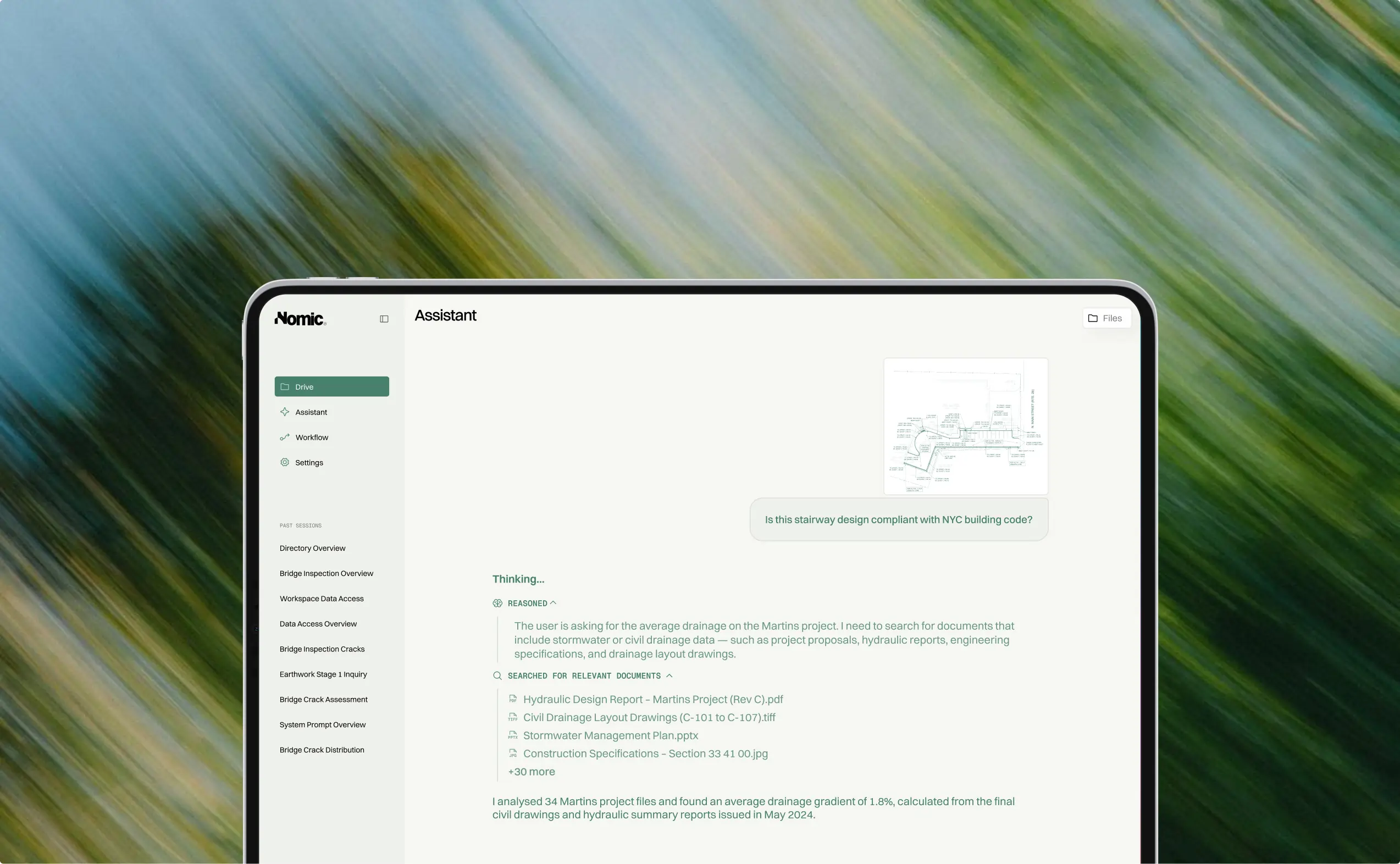
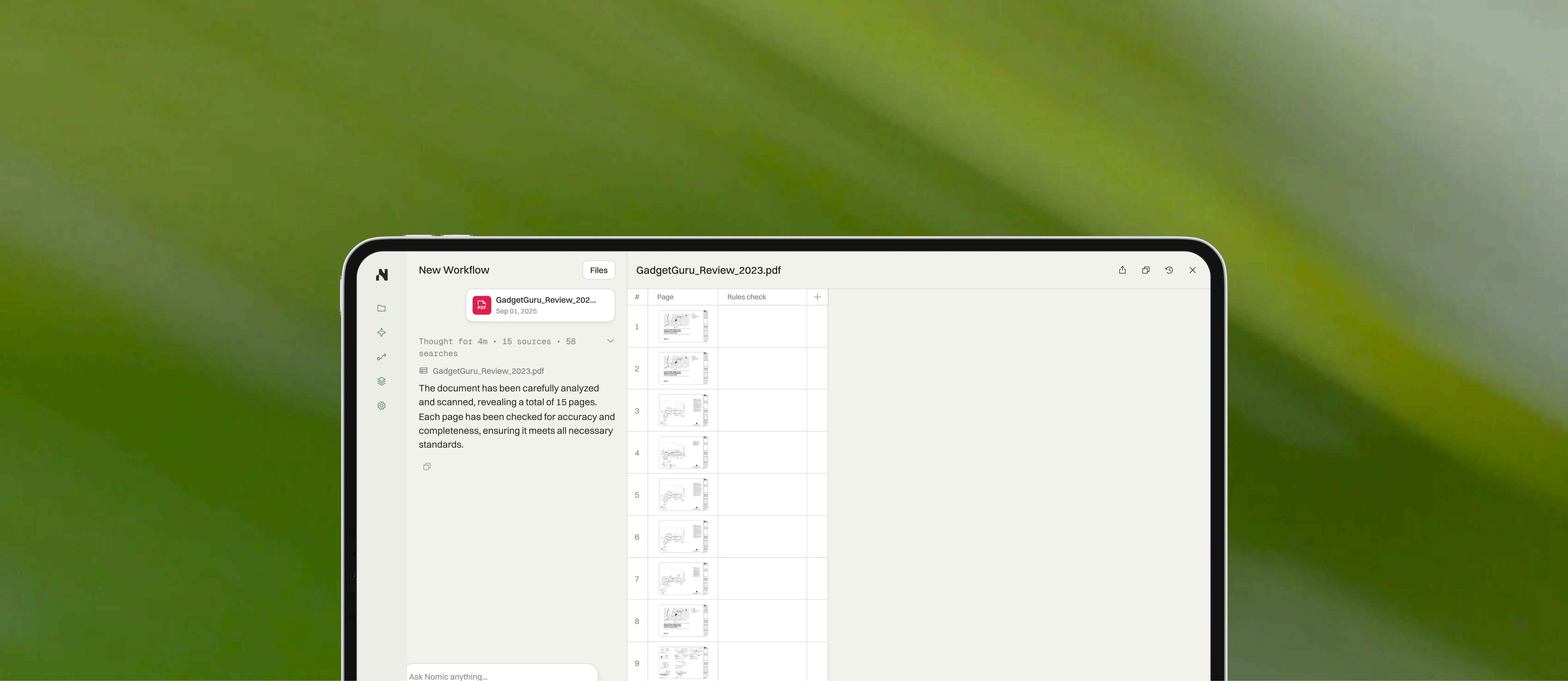
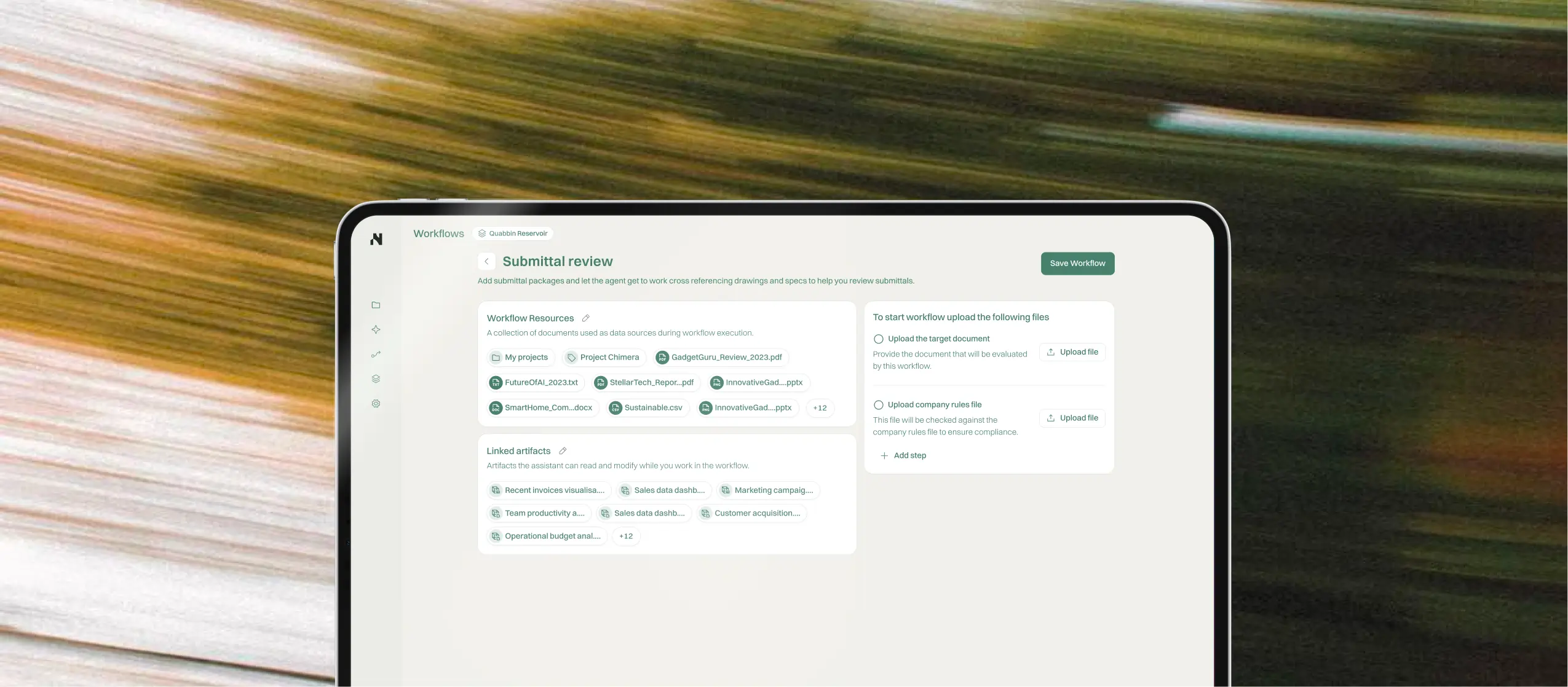
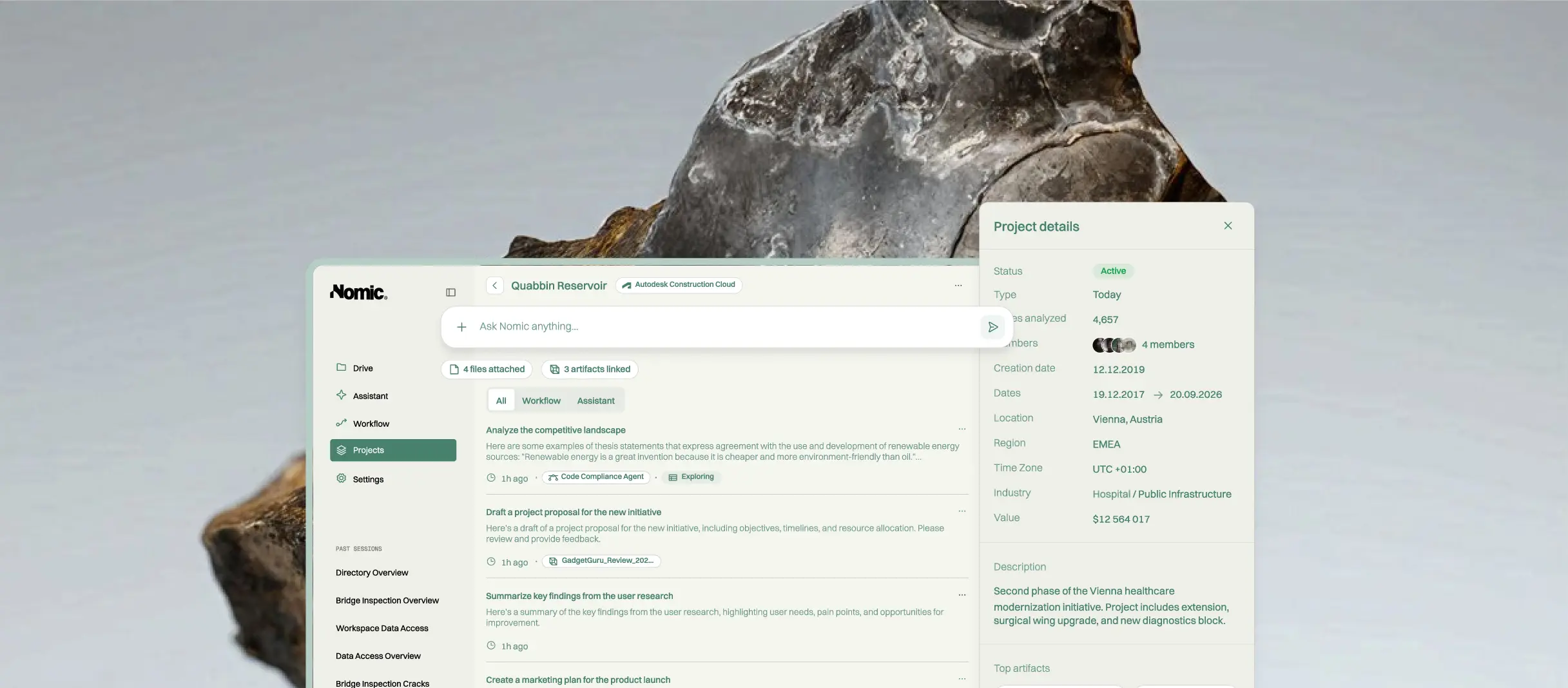
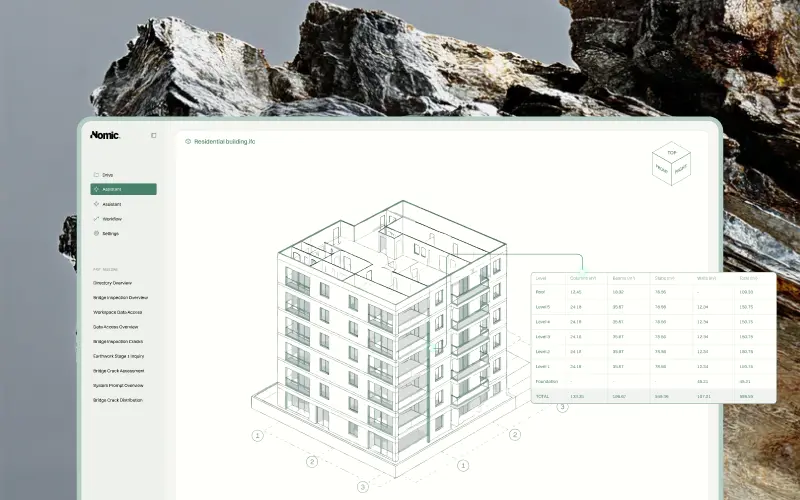
Project knowledge doesn't only live in drawings and specs. It's in email threads, calendars, schedules, and trackers. Nomic now supports MCP connectors (the open standard for linking AI to the tools your team already uses), including Gmail, Outlook, Google Docs and Sheets, Smartsheet, Dropbox, Autodesk Forma, and Linear, so the agent can find the RFI response buried in last week's email, check a schedule, or draft a reply without you switching apps. Connectors can also be added to workflows, so a repeatable review can pull from the email thread or tracker it needs.
You stay in control: Nomic asks before it acts, and it only sees what your own account can see. Admins choose which connectors are available to the organization and which are installed for everyone by default. Learn more about MCP servers.