


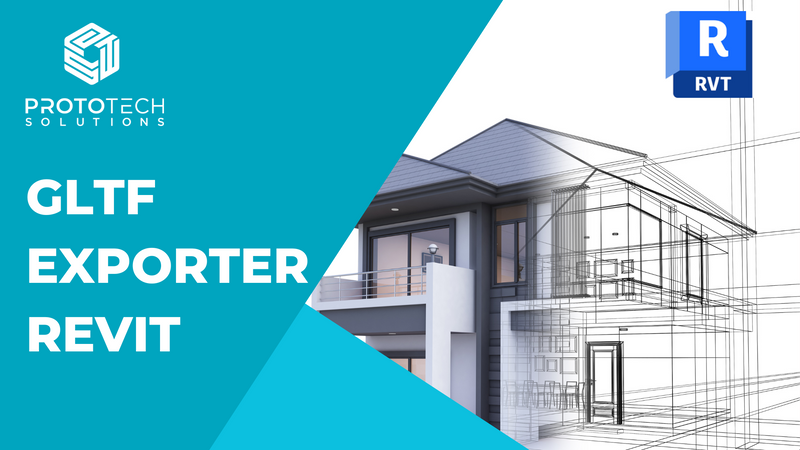
GLTF Exporter for Revit
ProtoTech's GLTF Exporter enables seamless export of Revit models to GLTF (GL Transmission Format) or GLB, making them compatible with various applications, including: 1.Web-based 3D Viewers: For interactive online visualization. 2.Game Engines: For real-time rendering in platforms like Unity or Unreal Engine. 3.VR/AR Platforms: For immersive experiences.
Definition
ProtoTech's GLTF Exporter for Revit outstanding features:-1. Export Revit models to .gltf or .glb formats without intermediate steps.2. Supports both JSON-based GLTF and the binary GLB formats.3. Retains the structure and hierarchy of the Revit model.4. Includes metadata for components, making it easier to use in downstream applications.5. Exports geometry with high fidelity.6. Preserves textures, materials, and colors for realistic rendering.7. Options to include or exclude specific elements, such as hidden objects or annotations.8. Control over the level of detail (LOD) to optimize file size.9. Outputs compact GLTF files, ideal for web-based 3D viewers and AR/VR applications.10. Works seamlessly with popular GLTF viewers like Babylon.js, Three.js, and Microsoft 3D Viewer.11.Supports integration with game engines and visualization tools.
In Depth
GLTF Exporter for Revit converts Revit models to the glTF format for web viewing, AR/VR applications, and rendering. AI can optimize the export for the target platform while preserving the visual quality.
Tool Details
Single Machine Locked License
Two Machine Locked Licenses
Single Floating License
Yes, 7 days
Examples
Supports both JSON-based GLTF and the binary GLB formats
Supports integration with game engines and visualization tools
Nomic Use Cases
See how Nomic applies this in production AEC workflows:
Frequently Asked Questions
ProtoTech's GLTF Exporter for Revit outstanding features:-1. Export Revit models to .gltf or .glb formats without intermediate steps.2. Supports both JSON-based GLTF and the binary GLB formats.3. Retains the structure and hierarchy of the Revit model.4. Includes metadata for components, making it easier to use in downstream applications.5. Exports geometry with high fidelity.6. Preserves textures, materials, and colors for realistic rendering.7. Options to include or exclude specific elements, such as hidden objects or annotations.8. Control over the level of detail (LOD) to optimize file size.9. Outputs compact GLTF files, ideal for web-based 3D viewers and AR/VR applications.10. Works seamlessly with popular GLTF viewers like Babylon.js, Three.js, and Microsoft 3D Viewer.11.Supports integration with game engines and visualization tools.
Supports both JSON-based GLTF and the binary GLB formats. Supports integration with game engines and visualization tools.
Project Research: Instantly access all project-critical information from a single search interface.