


OpalAi - ScanTo3D & Floorplan
Scan to BIM with a simple walkthrough. Our AI does the rest.
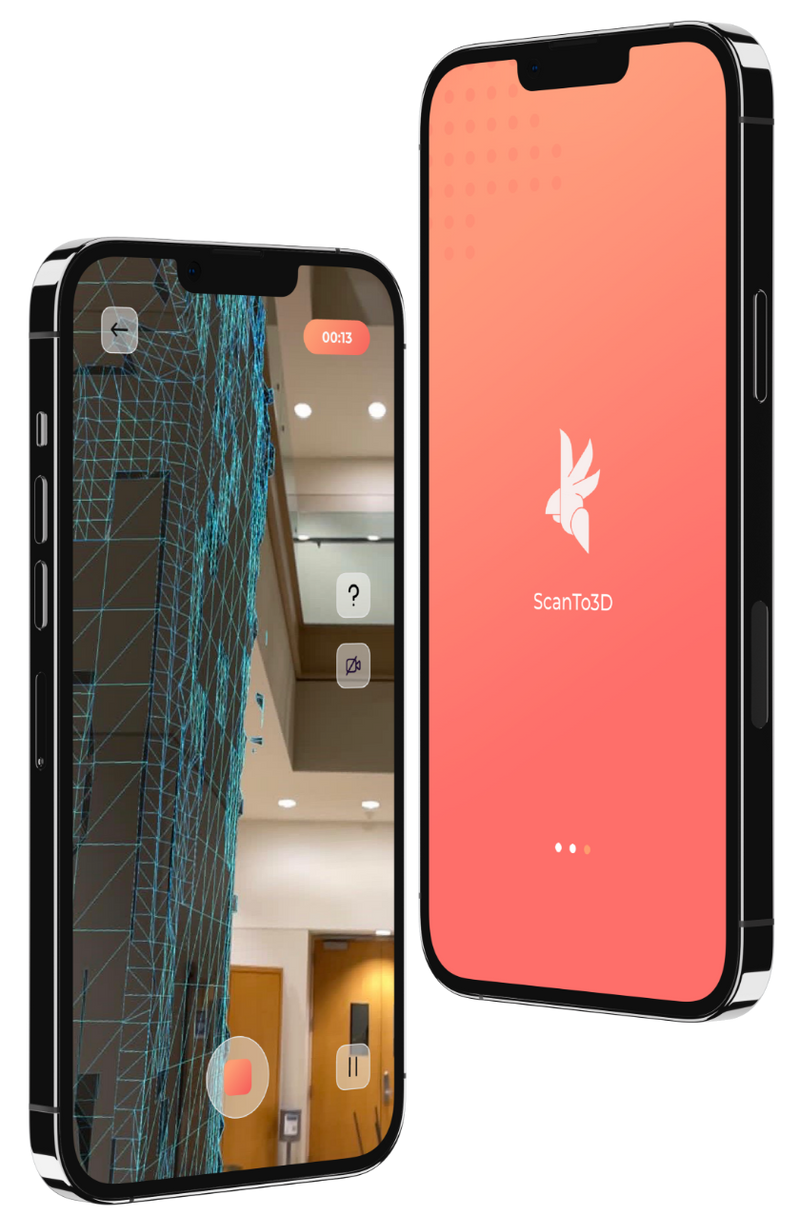
Definition
1. How It Works: 3 steps ONLY from Scan to BIM - Scan, Texture, Upload.2. Solutions: 2D Floorplans, 3D BIM models and Digital Twins3. PointCloud Post-processing4. NO Size limit!
In Depth
OpalAi provides scan-to-3D and floor plan generation tools. AI converts reality capture data into BIM-ready 3D models and floor plans.
Tool Details
Examples
Using OpalAi - ScanTo3D & Floorplan for BIM modeling and coordination
Nomic Use Cases
See how Nomic applies this in production AEC workflows:
Frequently Asked Questions
1. How It Works: 3 steps ONLY from Scan to BIM - Scan, Texture, Upload.2. Solutions: 2D Floorplans, 3D BIM models and Digital Twins3. PointCloud Post-processing4. NO Size limit!
Using OpalAi - ScanTo3D & Floorplan for BIM modeling and coordination.
Project Research: Instantly access all project-critical information from a single search interface.